How to respond to a query
This guide will walk you through the process of responding to an officer's query.
Go to aci.customs.gov.ly
1. ACI in query status
In case the Officer finds any information that does not match or if certain documents are missing from the ACI, they will open a query and request the necessary details from the exporter.

2. Review the ACI
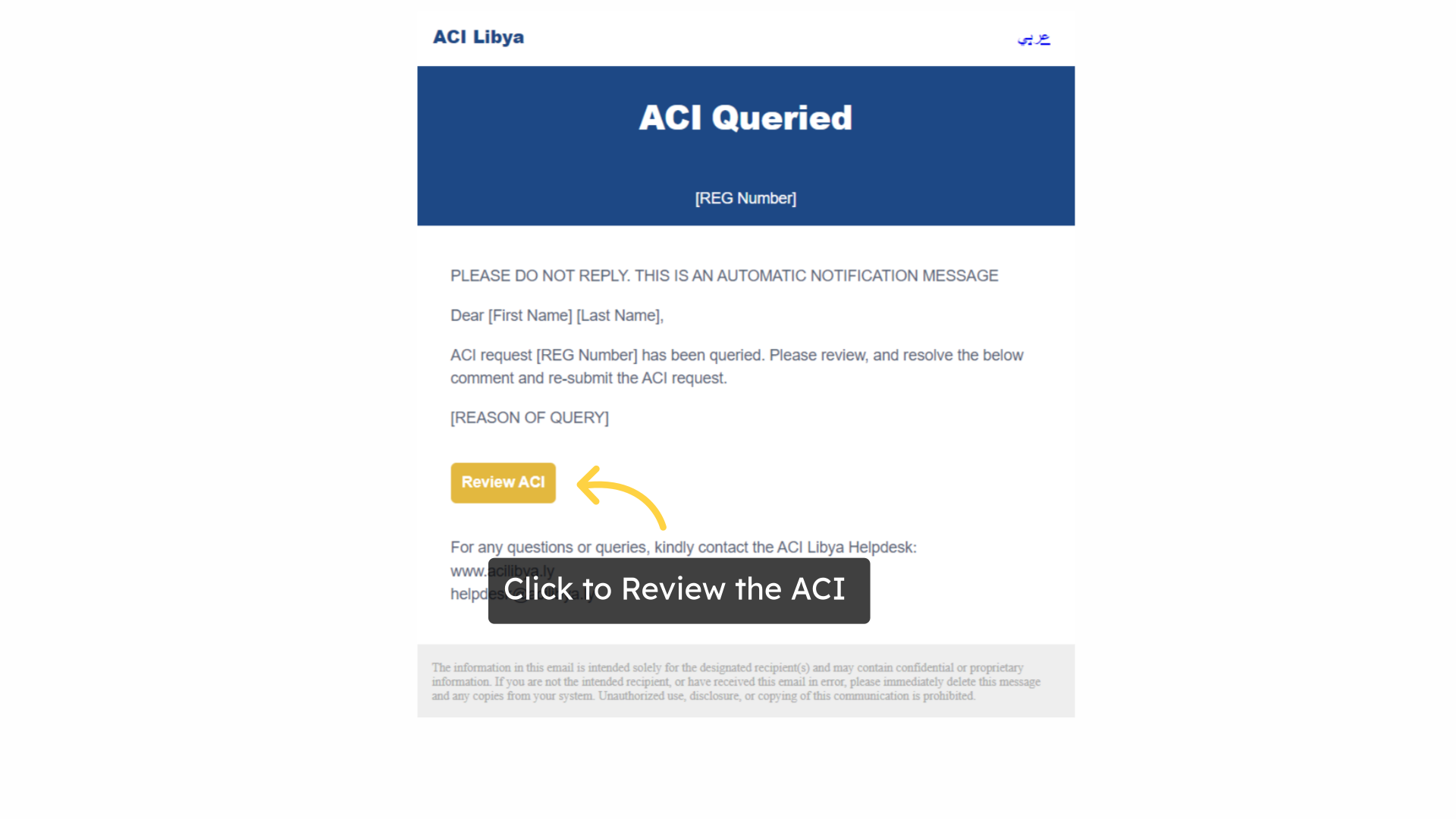
Subsequently, the exporter will receive an email notifying them of the missing information or required modifications. The exporter can then make the necessary adjustments by clicking on "Review ACI" and updating the details accordingly.
3. Adjust details and Submit
Once the exporter adjusts the details in the ACI system, they should proceed by submitting the updated information for review. If the change in the ACI caused a difference in the ACI fee, the exporter will be required to pay the difference after submission.

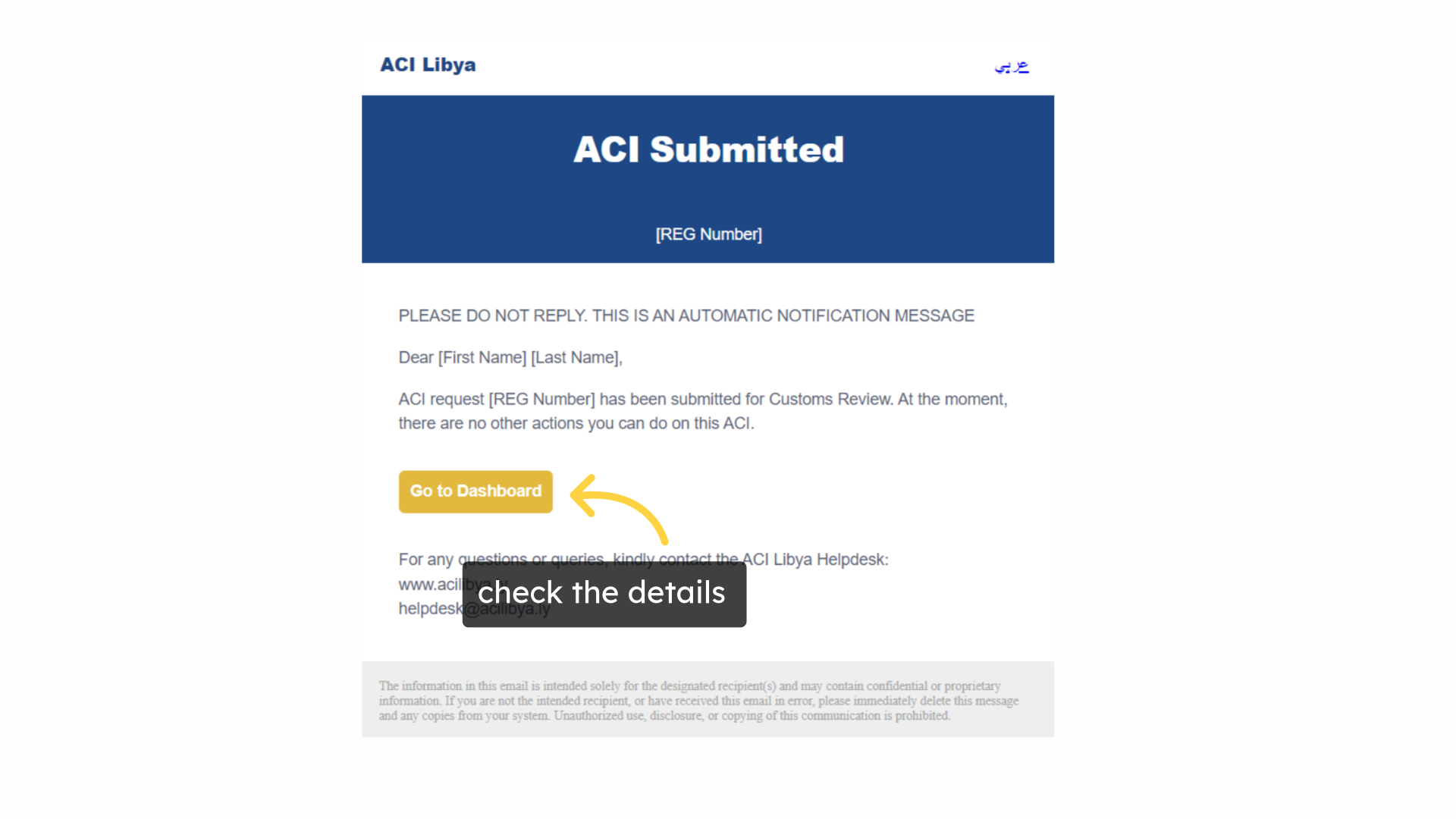
4. check the details
The exporter will receive an email confirmation that the ACI details have been submitted and are being reviewed.
This guide covered the steps to respond to an officer's query. For more information, please visit aci.customs.gov.ly
Related Articles
What to after ACI approval
Sharing the ACI with the shipping line and uploading the BOL (Exporter) Click here to watch This guide will walk you through the process of retrieving the approved ACI and sending it to the shipping line. Go to aci.customs.gov.ly 1. ACI Approval Once ...